A transit card on your phone is the single most useful thing an American visitor can set up before flying to Japan, and it works better than most people expect. It also fails in one specific, poorly documented way that leaves travellers stuck at a ticket gate. This guide covers the setup, the card that will not work, and what to do instead.
It works on a US iPhone, with no Japanese account
Suica and Pasmo can be added to Apple Wallet on an iPhone bought in the United States, on iPhone 8 or later and Apple Watch Series 3 or later. You do not need a Japanese Apple ID, and you do not need to change your App Store region. The card is created inside Wallet, and it can be set up before you leave home.
The misconception worth killing
A great deal of older advice insists you need a Japanese Apple ID, a Japanese address, or the Japanese version of an app. That has not been true for years, and following it sends people down a pointless and occasionally risky detour involving second accounts. Wallet, Transit Card, Suica — that is the whole path.
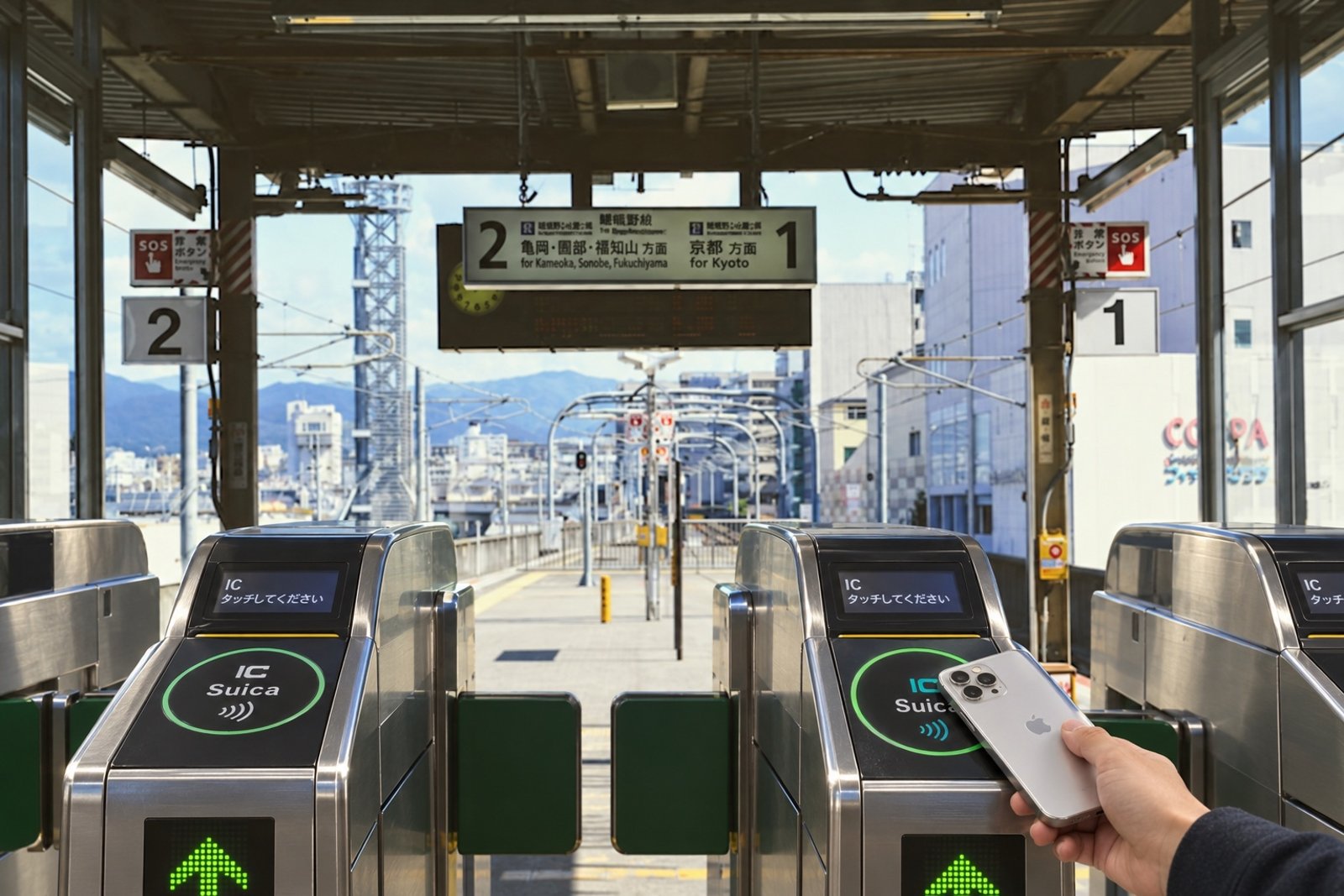
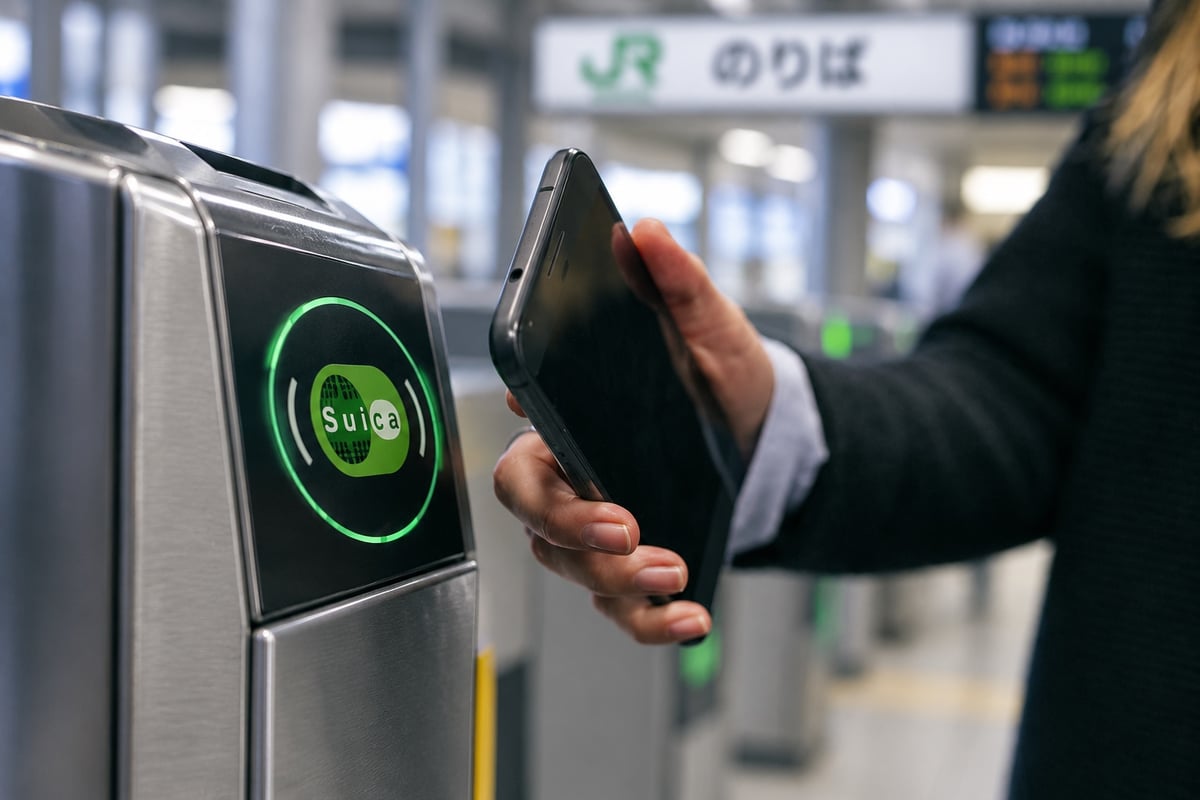
Once created, the card runs in Express Mode, which means you tap the gate without unlocking the phone or opening anything. It keeps working when the battery is low.
The part that actually goes wrong
Topping up a mobile Suica inside Apple Wallet will not accept a US-issued Visa card. American Express and Mastercard issued in the United States do work. This is the single most common point of failure for American visitors, and it produces a confusing error rather than an explanation.
Two sharper details
A US-issued Mastercard works for Suica but not for Pasmo, so if you have a choice of which card to create, Suica is the more forgiving one. And where Wallet refuses a card outright, the separate Suica app will sometimes accept the same card — an inconsistency with no official explanation, but a working escape route.
There is also a nightly maintenance window, running until roughly four in the morning Japan time, during which top-ups fail for everybody regardless of card. A failure at two in the morning is not a card problem, and retrying after the window usually resolves it.
What to do before you fly
Set the Suica up at home before you leave the United States, load a modest amount, and confirm a top-up actually completes with the card you intend to use. Discovering that your only card is refused is far better done on your sofa than at a gate in Shinjuku with a queue behind you.
The maximum balance is ¥20,000, which is more than enough for a week of city transit. Top up in small amounts rather than loading the maximum, because the balance is easier to spend down than to recover.
If you are on Android
Mobile Suica on Android requires Osaifu-Keitai, the hardware and software stack fitted to Japanese-market handsets. Android phones sold outside Japan almost universally lack it and cannot add a Suica or Pasmo, no matter which app is installed. This is a hardware limitation, not a settings problem.
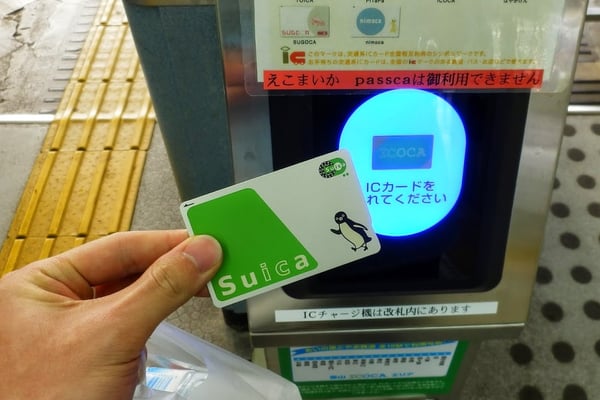
The answer for Android users is a physical card, which is straightforward again: unregistered Suica and Pasmo cards returned to sale in March 2025 and are bought from station machines with a ¥500 refundable deposit plus whatever you load.
If you are already in Japan and stuck
Arriving without a working top-up method is recoverable and common enough that stations are set up for it. A physical card bought from a machine takes cash, which sidesteps the entire card-network problem in one step, and the machines at every major station carry English interfaces.
Cash top-ups also work on a card already in your wallet, at any station machine and at convenience-store registers. If the phone refuses your credit card, the answer is not to keep retrying it — it is to feed the card cash and move on.
Apple Watch is worth setting up too
A Suica on a paired Apple Watch works at gates independently of the phone, which is genuinely useful when the phone is in a bag and both hands are full. The card lives on one device at a time, so decide which before you travel rather than at a gate.
Where the card actually works
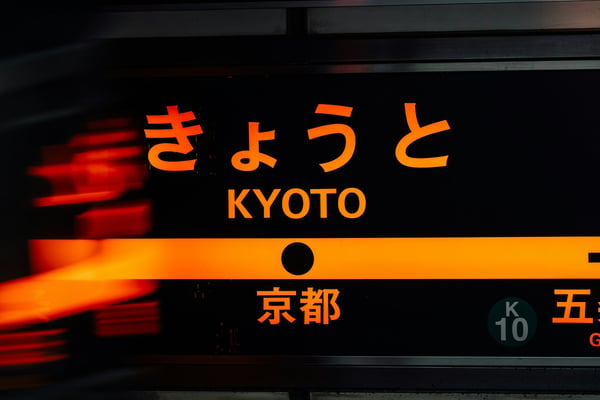
Suica, Pasmo and Icoca have been mutually interoperable nationwide since 2013, so a card created in Tokyo works on Kyoto and Osaka transit without any change. It also works as a payment card in convenience stores, vending machines and many small shops, which is genuinely useful in a country where cash still matters.
A handful of smaller regional operators and rural bus routes sit outside the scheme. In the cities a first trip visits, that is not a practical constraint.
What the card decision connects to
Notice what this one small setup actually touched. Which card you can top up with determines whether the phone works at all, which determines whether you need a physical card, which determines whether you need cash on arrival — and that last one runs straight into how you get money in Japan at all, which is its own tangle of ATMs that reject foreign cards.
Each of those is usually solved separately, at the airport, under time pressure, with luggage. They are one connected problem with a sensible order to solve it in, and working out that order in advance is what the complete Japan trip guide is built for.