Affiliate disclosure: this guide contains affiliate links. If you book through them we may earn a commission, at no extra cost to you.
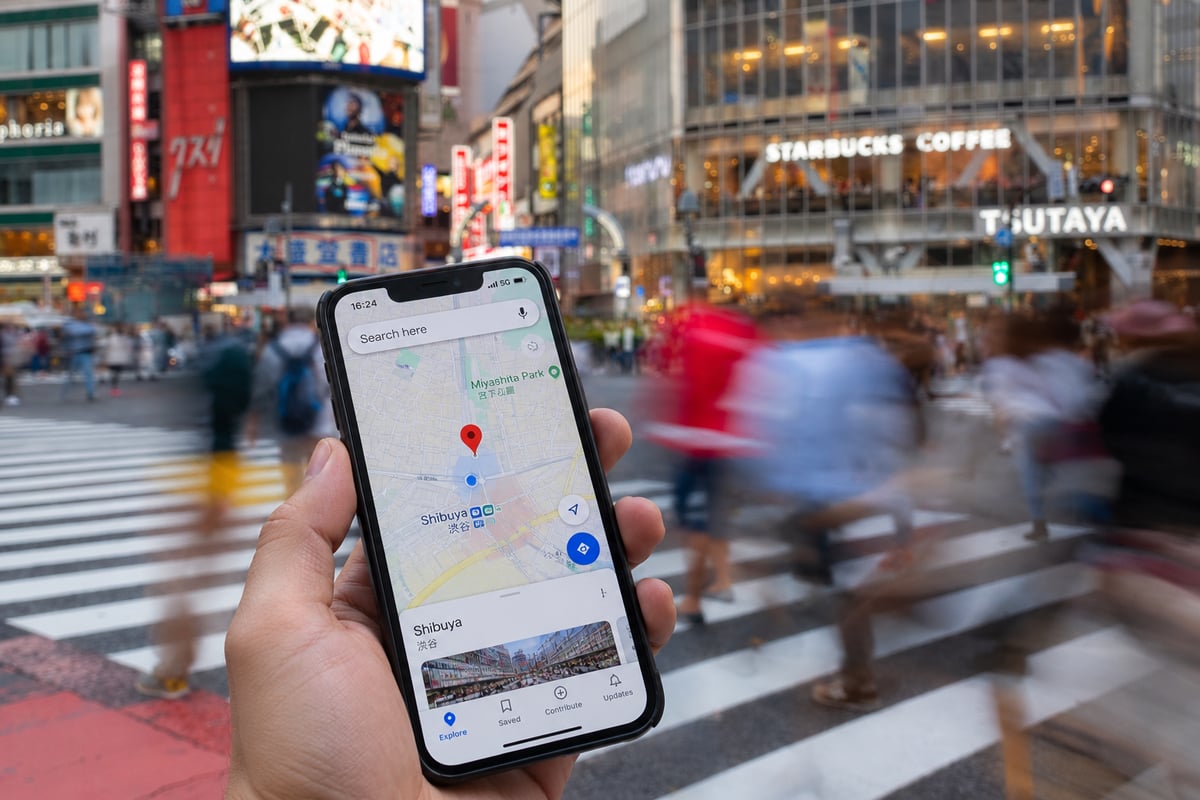
Staying connected in Japan is easy, and the country's mobile networks are excellent nationwide — getting data sorted before or right after you land makes the whole trip smoother — for maps, translation, transit apps, restaurant hunting, and bookings. You've got three good options, and for most travelers the choice is simple. Here's how each works and how to pick.
Your three main options
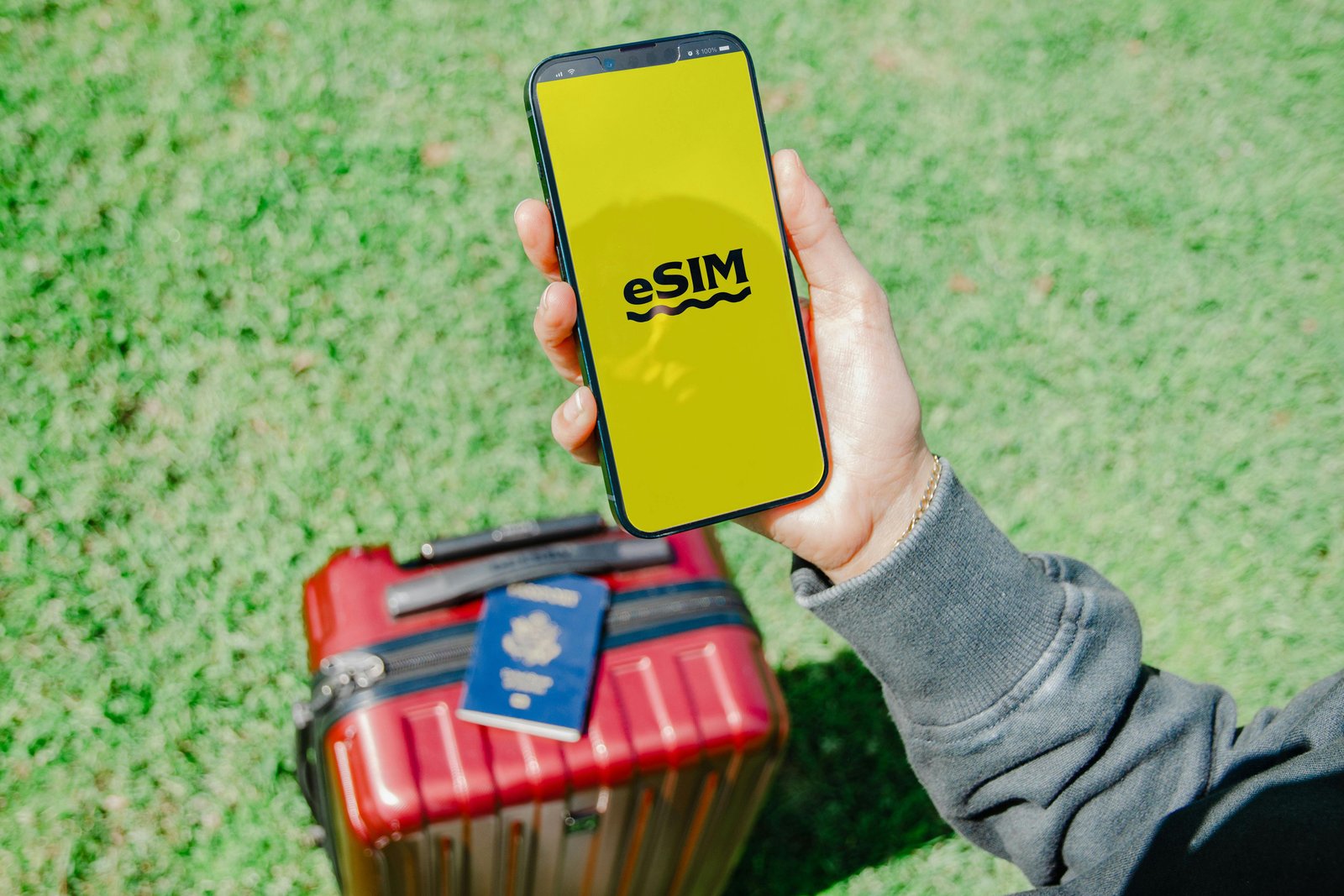
eSIM: a digital SIM you install on a compatible phone — the most convenient choice for most modern-phone travelers, and increasingly the default recommendation for a Japan trip.
Physical SIM card: a tourist data SIM you insert, bought online, at the airport, or in electronics stores.
Pocket WiFi: a rental hotspot device that connects multiple devices (covered in detail in our separate guide).
eSIM: the easy default
If your phone supports eSIM (most recent iPhones and many newer Android phones do), this is usually the simplest route. You buy a Japan data plan online, receive a QR code, and install it — often before you even leave home, so you land already connected with nothing to swap and nothing to return. Popular eSIM providers travelers use for Japan include Airalo, Ubigi, and Holafly, among others. They run on the major Japanese networks (for example, some use SoftBank for strong city speeds, while Ubigi runs on the DOCOMO network known for the widest rural coverage), so if you'll venture into the countryside — a rural onsen town, a hike in the Japan Alps, a smaller island — check which network a plan uses before you buy, since coverage gaps are far more likely outside the big cities than inside them. (Plans, data amounts, and prices change often, so confirm current details when you buy.)
Physical SIM cards
If your phone doesn't support eSIM or you simply prefer a physical card, tourist data SIMs are widely available — orderable online for airport pickup or hotel delivery, and sold at airport counters and electronics stores on arrival. Providers commonly used by visitors include Sakura Mobile and Mobal, both of which cater specifically to foreign travelers with English support (and, unlike most options, can offer plans that include a Japanese phone number). Note that many tourist SIMs are data-only (no phone number), which is perfectly fine for the many travelers who call and message over apps like WhatsApp, LINE, and FaceTime. (Verify current offerings and prices before buying.)
How to choose
Have an eSIM-compatible phone and want zero hassle? Get an eSIM — install it before you fly.
Older phone or no eSIM support? A physical tourist SIM works well.
Traveling as a group or need many devices connected? Pocket WiFi can be more economical and shares across everyone (see that guide).
Need a Japanese phone number (for certain bookings or calls)? Fewer tourist options include this — Sakura Mobile and Mobal are among those that can; check the plan details.
Heading deep into rural Japan? Favor a plan on the DOCOMO network for the broadest coverage.
Practical tips
Check phone compatibility and unlocking before you travel — your phone must be carrier-unlocked to use a foreign SIM or eSIM. Most US phones bought outright or fully paid off are unlocked, but confirm with your carrier.
Install or arrange it before arrival if possible, so you're connected the moment you land (an eSIM can be set up at home and activated on arrival).
Estimate your data needs — heavy map and translation use adds up, but many travelers find a mid-size or "unlimited" plan ample; you can often top up if you run low.
Airport pickup is convenient for physical SIMs and pocket WiFi if you order in advance.
Free public WiFi exists at many stations, cafes, convenience stores, and hotels, but it's patchy and often requires sign-in — your own data is far more reliable for getting around.
7-Eleven and other convenience stores sell prepaid data SIMs off the shelf in many locations, a reasonable backup if you land without a plan sorted and need something same-day.
Set up your eSIM's data plan to activate on first use, not on installation, if the provider offers that option — it means your plan's clock doesn't start ticking while you're still on the flight.
Bottom line
For most travelers with a modern phone, an eSIM installed before departure is the easiest, cheapest way to stay connected in Japan. If that's not an option, a physical tourist SIM (Sakura Mobile or Mobal are reliable, English-friendly choices) or a pocket WiFi device will do the job nicely. Whatever you pick, sort it before you land and you'll have maps, translation, and transit info at your fingertips from the moment you step off the plane — one less thing to figure out while jet-lagged and navigating an unfamiliar train system.
FAQ
Is an eSIM the best option in Japan?
If your phone supports eSIM (most recent iPhones and many newer Android phones do), this is usually the simplest route. You buy a Japan data plan online, receive a QR code, and install it — often before you even leave home, so you land already connected with nothing to swap and nothing to return. Popular eSIM providers travelers use…
Can you still get a physical SIM card in Japan?
If your phone doesn't support eSIM or you simply prefer a physical card, tourist data SIMs are widely available — orderable online for airport pickup or hotel delivery, and sold at airport counters and electronics stores on arrival. Providers commonly used by visitors include Sakura Mobile and Mobal, both of which cater specifically…
What is the simplest way to stay connected in Japan?
For most travelers with a modern phone, an eSIM installed before departure is the easiest, cheapest way to stay connected in Japan. If that's not an option, a physical tourist SIM (Sakura Mobile or Mobal are reliable, English-friendly choices) or a pocket WiFi device will do the job nicely. Whatever you pick, sort it before you land…
Keep planning
Not sure how it all fits together?
Pick your trip length and we’ll route a real day-by-day plan.